Never Sort By Color has a new update for players whose workshop is nearly organized but still short of a few parts. The November 15 patch from developer Bryan Livingston rebuilds missing-piece recovery and saves the game when the pause menu opens. [1]
The changes arrive in the game’s first week on Steam. Released on November 10, the single-player organization game puts players in a workshop filled with loose plastic building bricks. Its Windows and Linux versions ask players to sort the pile into usable storage, then collect parts for models. [2]
Recovery checks the whole workshop
Restore Missing Pieces now compares the parts required by every instruction book with the pieces present in the room and replaces shortages. The check also runs when a save loads. Livingston says being one or two parts short was the most reported problem after launch. [1]
The game already makes inventory organization central to building. The developer’s description says instruction books specify the parts a model needs, and a tray rejects pieces taken from an incorrectly sorted drawer. Finished builds stay in the workshop. A missing piece can therefore interrupt a project after the sorting work has been done. [3]
The November 10 launch post credits the LDraw Part Library and several model builders for the game’s content. Livingston said his own experience of sorting a collection by color inspired the design. The workshop’s emphasis on finding particular shapes comes from that practical problem. [4]
Saving becomes easier to see
Opening the pause menu now saves progress and displays GAME SAVED. Completing a model also triggers a save. Autosave can be turned off or set to intervals of five, ten or fifteen minutes. [1]
The Steam description presents a workshop that visibly changes as the pile gets smaller, with no timers or failure states. Players buy storage and label it, gradually turning loose pieces into a collection they can search. The finished models remain in the room, giving the sorting work a result beyond an empty floor. [2]
Sorting tools and clearer controls
Pressing Sorter’s Eye again now retargets it. The update adds highlight-color and thickness settings and fixes prompts that switch repeatedly when a controller and keyboard are both connected. [1]
Sorter’s Eye is one of the tools intended to make a large pile manageable. The developer describes a progression from picking up individual bricks to using a magnet glove that pulls matching parts together. Sieve trays separate pieces by size, while locators show which drawer belongs to the part being held. These tools depend on being able to recognize a part and its destination in a crowded room. [3]
The developer’s fact sheet lists keyboard and mouse controls as well as full controller support. The game uses generic plastic building bricks and is independent of the LEGO Group. [3]
Saving and controls also received fixes at launch. The November 10 release notes describe recovery for interrupted saves and a fix that stops failed loads from being autosaved over. That update darkened instruction-book text and used a heavier font for completed part entries. [4]
Sources
[1] Bryan Livingston November 15 Update on Steam
[2] Never Sort By Color official Steam store page
[3] Legend Studio official game description
[4] Bryan Livingston November 10 launch post and release notes
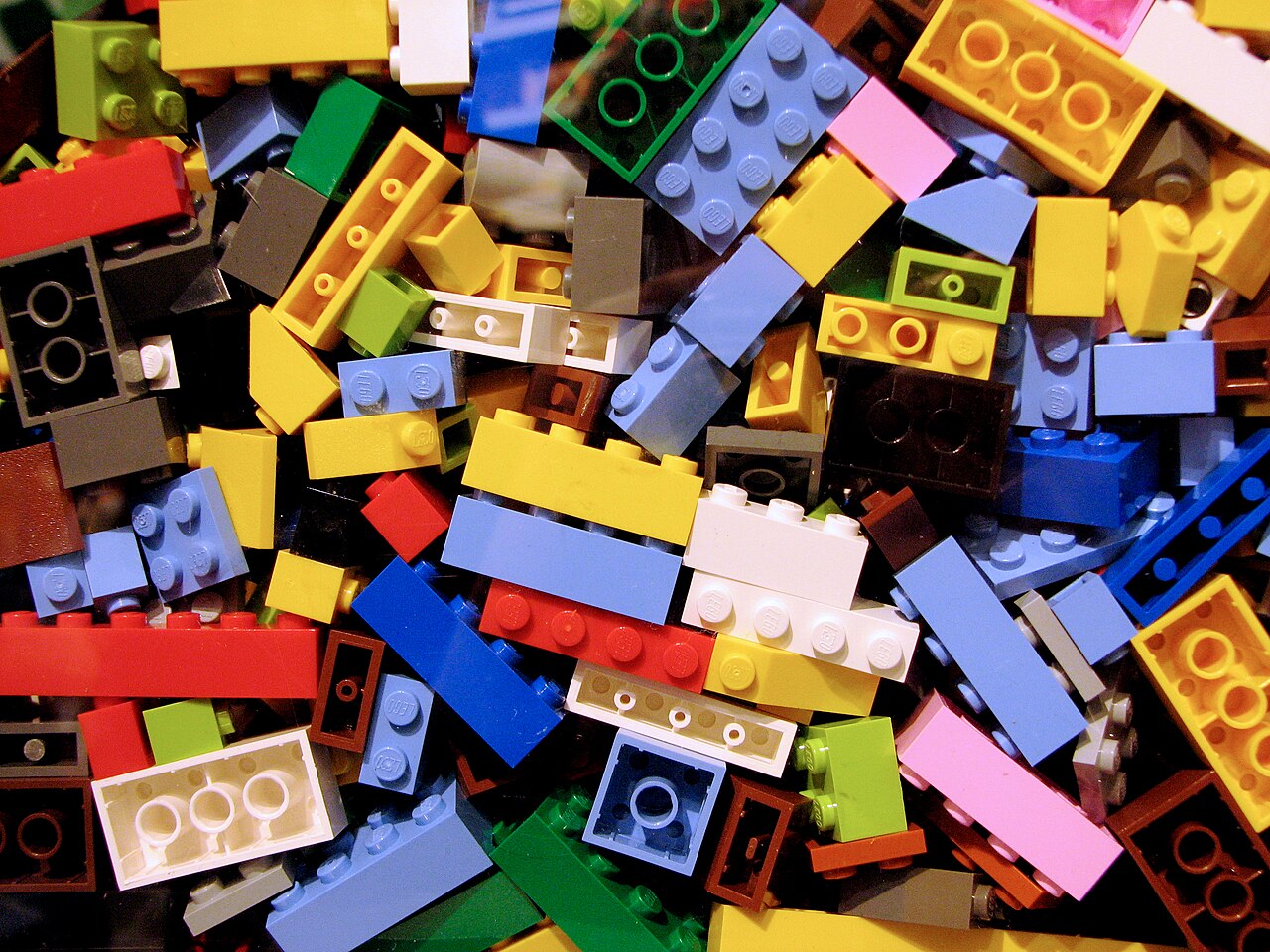
Illustrative photograph of physical LEGO bricks, taken in 2008. This is not a game screenshot. Never Sort By Color is independent of the LEGO Group. Benjamin D. Esham / Wikimedia Commons, CC BY-SA 4.0. Wikimedia resized rendition; no crop or other visual edits. The photograph remains available under CC BY-SA 4.0. Image source. Image license / permission.
Have a correction or a useful perspective?
Get in touch with the publication.