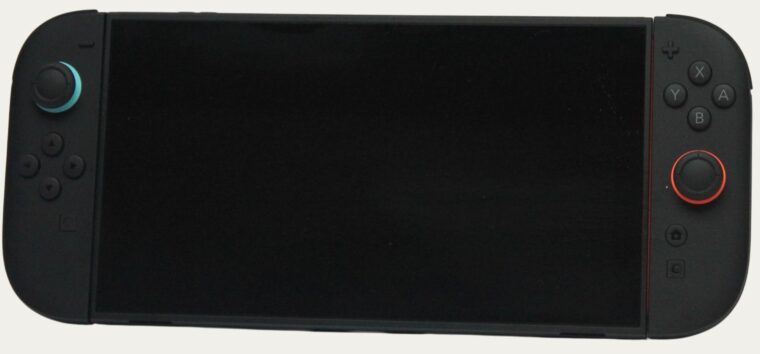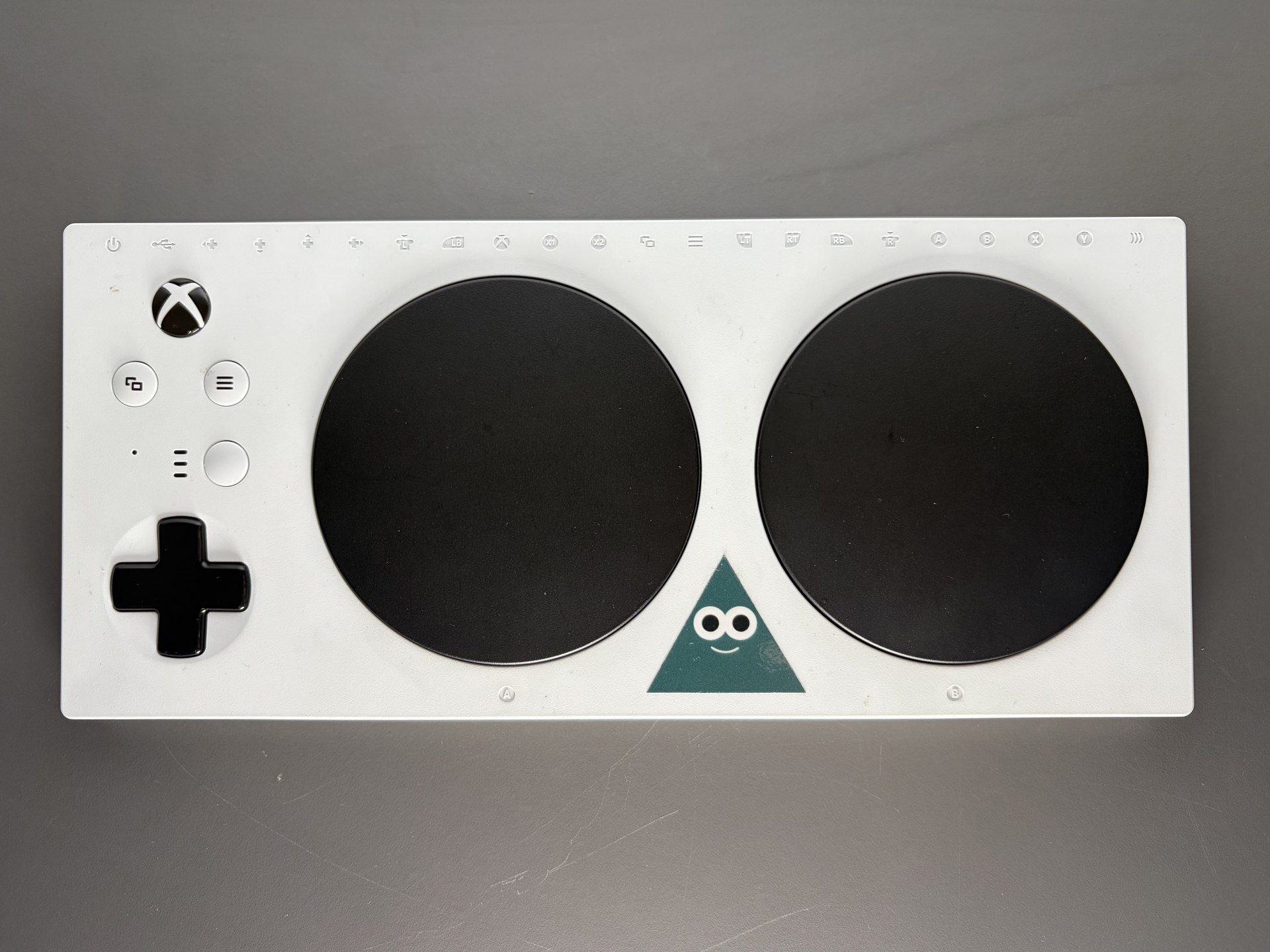
Six major game companies have begun using the Accessible Games Initiative’s shared labels, giving players a more consistent way to look for specific accessibility features before choosing a game. Electronic Arts, Google through YouTube Playables, Nintendo of America and Riot Games have joined Ubisoft and Xbox in implementing the system.
The November 2 announcement from the Entertainment Software Association says the initiative currently covers 24 features. Its purpose is to make existing options easier to discover across stores and product pages. The announcement concerns how games communicate their features; it does not say that every participating game received an accessibility patch that day.
For players, the useful starting point is the individual game’s listing. EA displays labels on EA.com and in the EA app. YouTube Playables puts them under Game Info on mobile and the web. Nintendo of America’s game pages use the About this item section. Riot provides an accessibility page for its titles, while Ubisoft and Xbox also direct players to supported-game listings. The initiative’s directory links to each company’s implementation.
The definitions go beyond a feature name
The labels have published criteria behind them. The developer implementation guide, for example, distinguishes menu narration from simply having spoken dialogue. Its Narrated Menus requirements cover menus and notifications, including announcing the name and state of interactive controls. That distinction helps someone who needs audio navigation assess a game more precisely than a broad audio-support claim would.
Mono Sound has another specific requirement: the game must provide its own mono option. Relying only on an operating system setting does not meet that label’s criteria. The Difficulty Levels label calls for multiple presets, an option that substantially lowers challenge, and an explanation of what the settings change. Save Anytime describes manual saving, with limited exceptions such as loading or circumstances where a save could block progress.
These examples show why a shared vocabulary can be useful without reducing accessibility to a single score. A player who needs readable interface text may be looking for something different from a player who needs to stop and save frequently. A list of specific capabilities lets them make that distinction before spending time installing or learning a game.
What adoption does and does not establish
Use of the labels is voluntary, and companies can retain other accessibility systems alongside them. The current rollout is in U.S. English. It should not be read as confirmation that every title in each company’s catalogue has been tagged, or that every tagged feature is available in every language.
For anyone comparing games, the most informative combination is the feature label and its definition, followed by the game’s own settings or accessibility documentation where more detail is needed. The common labels make the first step easier; individual needs still determine which combination of features makes a particular game usable.
Have a correction or a useful perspective?
Get in touch with the publication.