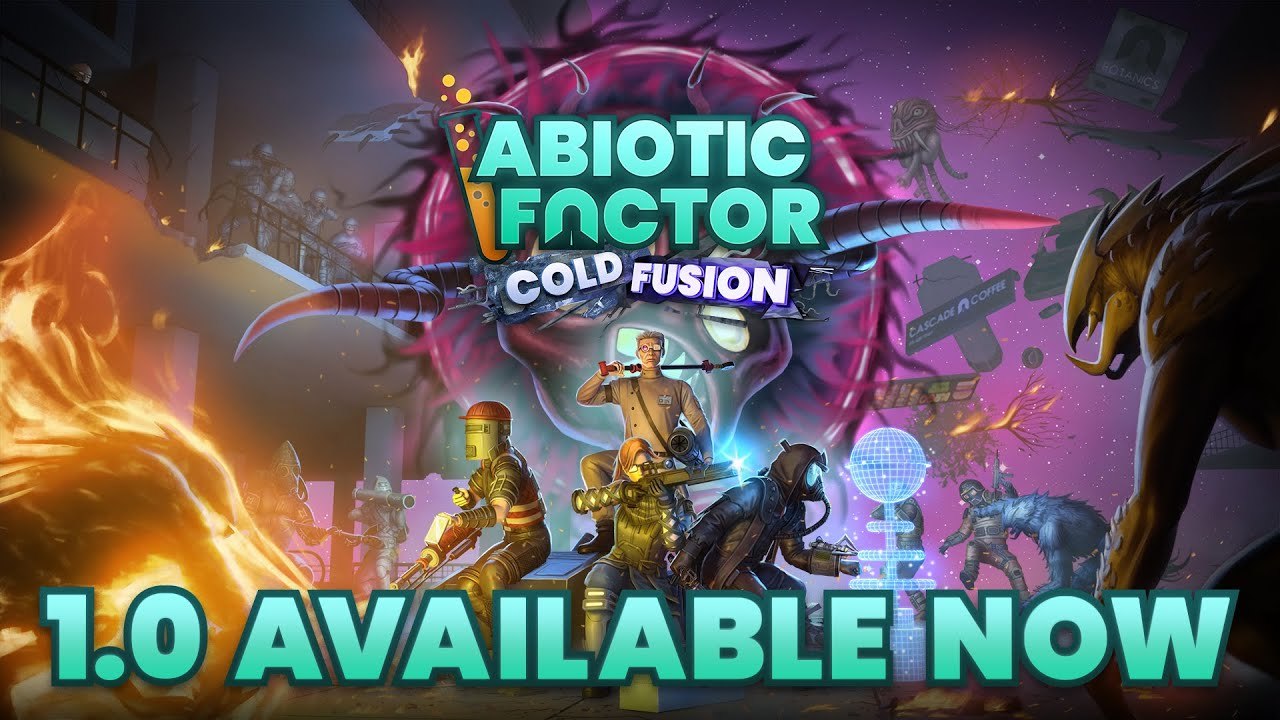
Abiotic Factor’s official modding rollout has received another compatibility update. Hotfix 1.5.0.31876, released on November 3, corrects modded character displays and adjusts ordinary gameplay after Community Update 5 introduced the editor and in-game mod browser.
The hotfix notes list the same game version across Steam, PlayStation 5 and Xbox, although storefront build identifiers differ. Steam uses build 26373201; the PS5 package is 01.005.004; Xbox and the PC app use 1.5.31876.0. Those numbers can look inconsistent even when they refer to the same named update.
Installed mods are not necessarily enabled mods
Mods downloaded through the official system are disabled until their creators update compatibility with the new version. A missing effect after patching may therefore reflect a deliberate compatibility check rather than a failed download. The update also fixes long modded qualification descriptions at character creation and custom appearance options not displaying correctly in the main menu.
Deep Field advises testing without mods when investigating crashes, with separate instructions for unofficial modifications and the supported browser system. Official mod support does not automatically convert every older third-party modification into a supported package.
Gameplay and cosmetic mods use different controls
The developer’s installation guide separates downloading a mod from activating it. The main-menu Mods button opens the library, where subscribing downloads a selected package. Gameplay mods are then enabled for a particular world through the Mods control in Saved Worlds, followed by saving that selection.
Cosmetic modifications instead use the Mods button on the Customization screen. They are kept separate so a character can carry the chosen appearance between saves without enabling the same cosmetic separately in every world.
Other players need that cosmetic installed to see its altered appearance; otherwise they see default clothing. This distinction is useful when a cosmetic works on one player’s screen but apparently disappears for their friends. It is not necessarily evidence that the world’s gameplay-mod list failed to synchronize.
Joining a modded server presents its mod list before proceeding, and continuing starts the required downloads. Items and recipes supplied by a mod also carry a tooltip indicator. The interface therefore provides two ways to understand a modified session: check what is enabled before joining and identify unfamiliar objects while playing.
The update also revises food and progression
The hotfix scales back some recently increased food values, particularly hydration, while fixing crafting checks for the Castle Doctrine perk. These changes belong to the base game and can affect a session even when no mods are active.
They follow the October 26 Modding Update, which also introduced an initial side-quest system, additional guidance around Grayson and a talking trinket, a new pet and cooking and chemistry adjustments. The headline tooling release was therefore also an ordinary content and balance update.
For a group returning together, agree on the world’s gameplay additions first, then compare cosmetic choices separately. That follows the way the official system organizes them and makes it easier to distinguish a version-compatibility pause from a character-display problem already addressed by this hotfix.
Have a correction or a useful perspective?
Get in touch with the publication.